Harbour Price
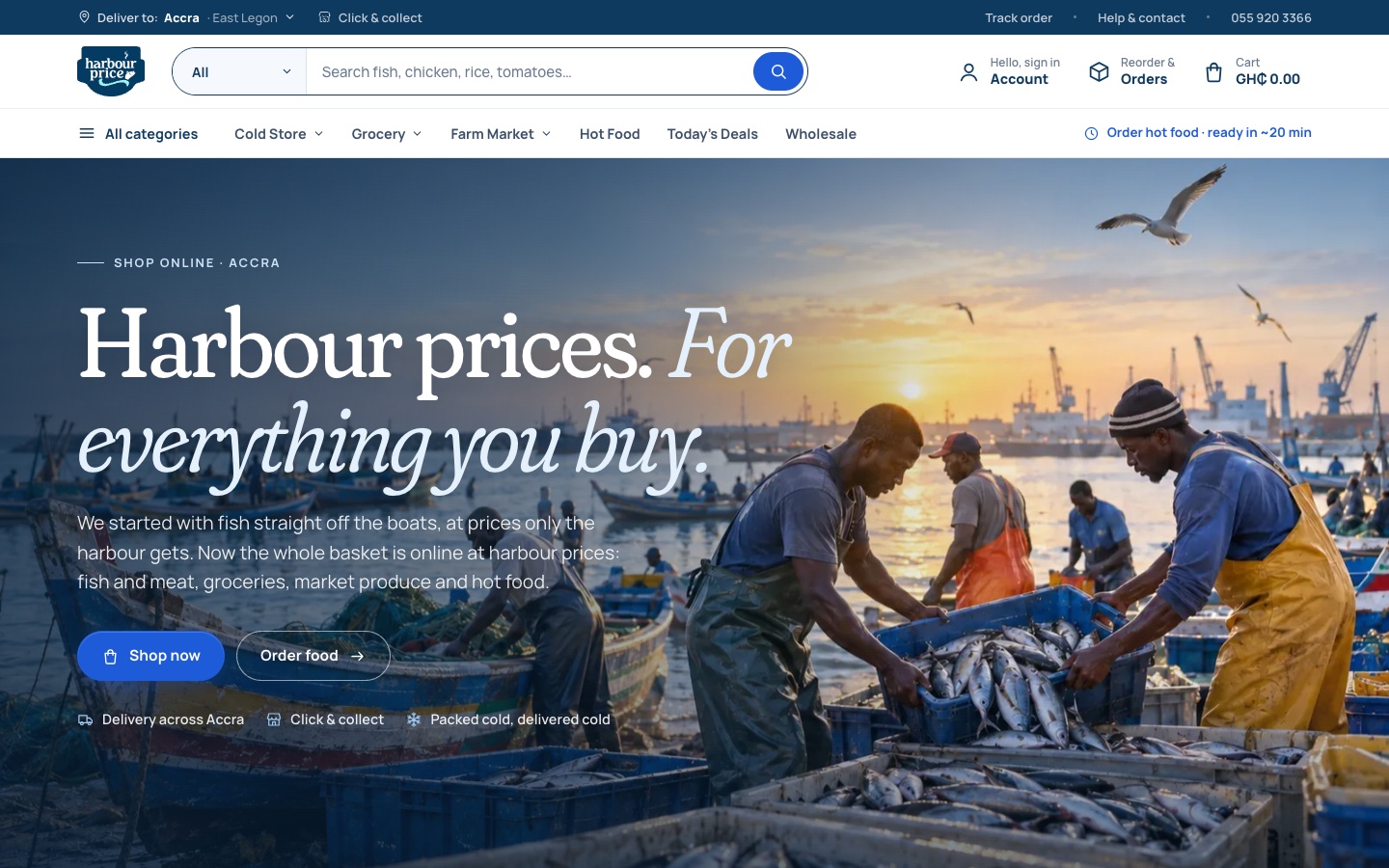
Four counters. One basket. From the harbour to your doorstep.
- CategoryCommerce platform
- RoleDesign & engineering
- ServicesBrand website, e-commerce, store operations
- StackNext.js, TypeScript, PrismaTurso, Hubtel & Cloudflare
- Year2026September–October · completed
- Liveharbourprice.com
Bring the whole shop online, and connect the work behind the counter.
The business
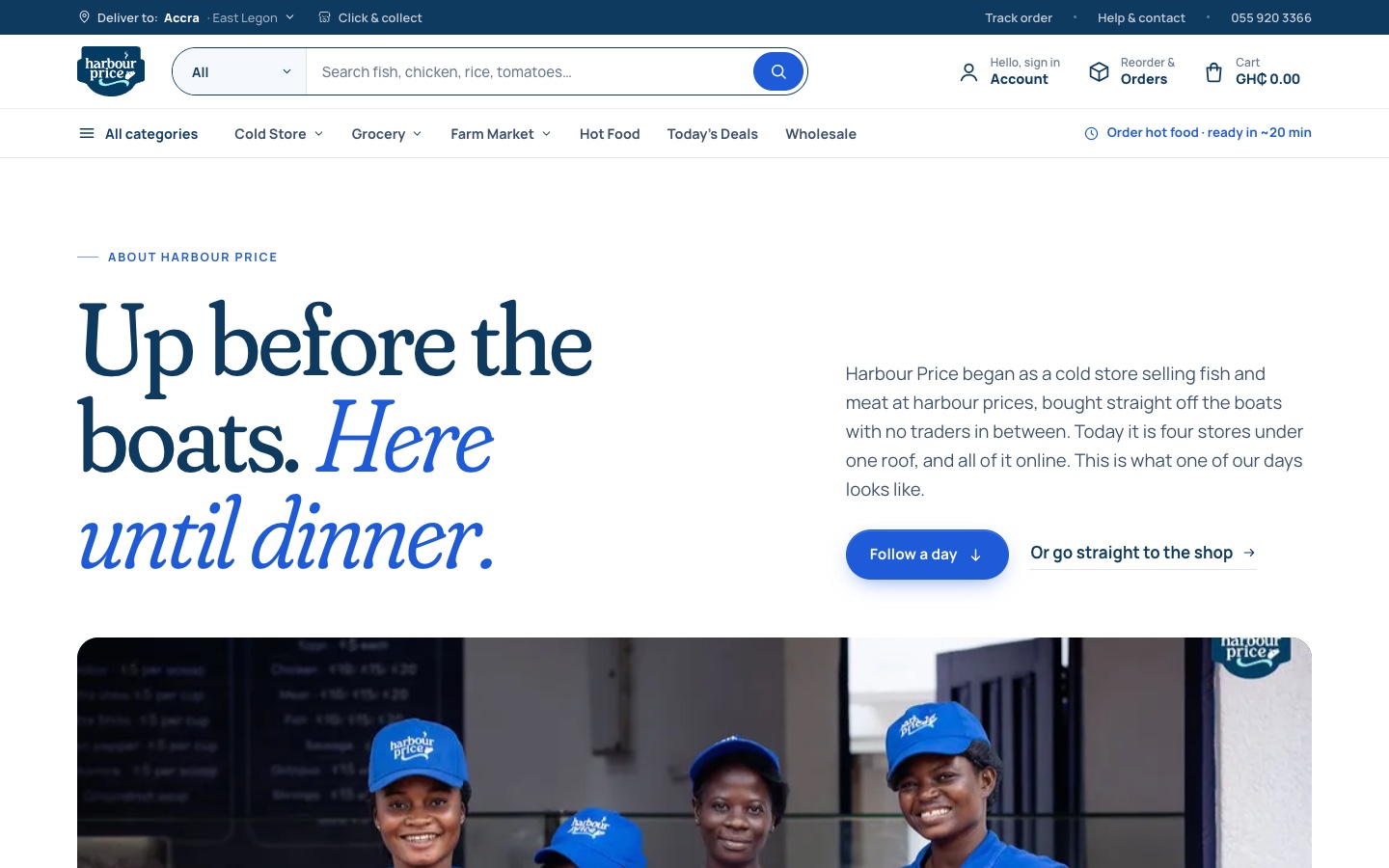
Harbour Price began with fish bought straight off the boats. Today, the Accra business brings a cold store, groceries, farm produce and a hot-meals kitchen under one roof.
The same shop serves households filling a basket and restaurants, caterers and resellers buying in bulk.
The brief
Make all four counters feel like one shop. Customers should find what they need, understand the pack and choose delivery or collection without juggling separate orders.
Behind each order, staff need to sell, cook, check stock, pack and hand it over to a rider.
The build
- One basket. Groceries and hot meals share checkout, with separate fulfilment where needed.
- One operation. The storefront, till, kitchen, kiosk and rider tools connect to the same business.
- A familiar way to pay. Hubtel for Mobile Money, cards and customer SMS.
The whole basket, in one place.
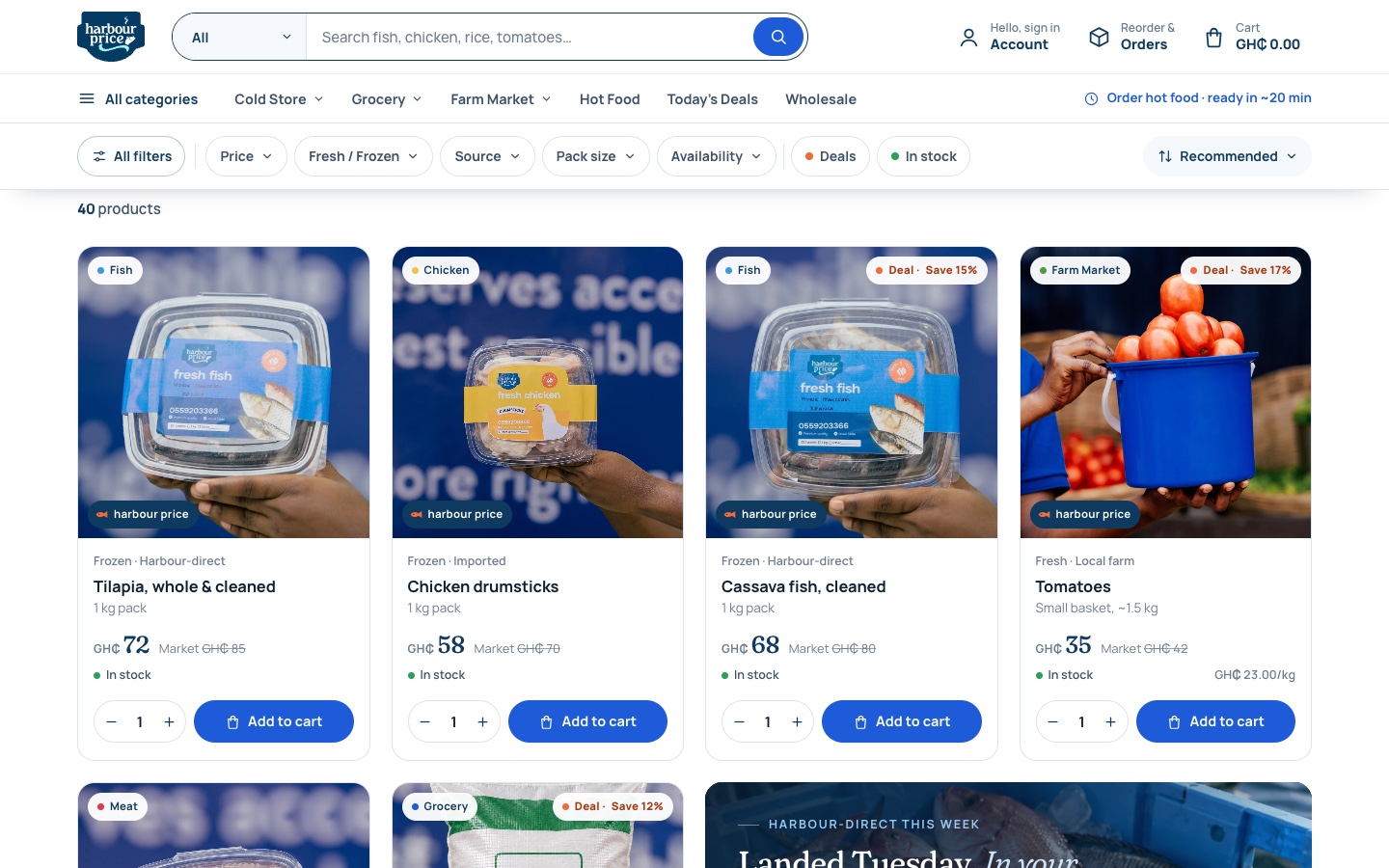
Fish, chicken, pantry staples and fresh produce sit on the same shelf. Category counts, pack sizes and filters help customers narrow the shop, while quantity and Add to cart stay on each card.
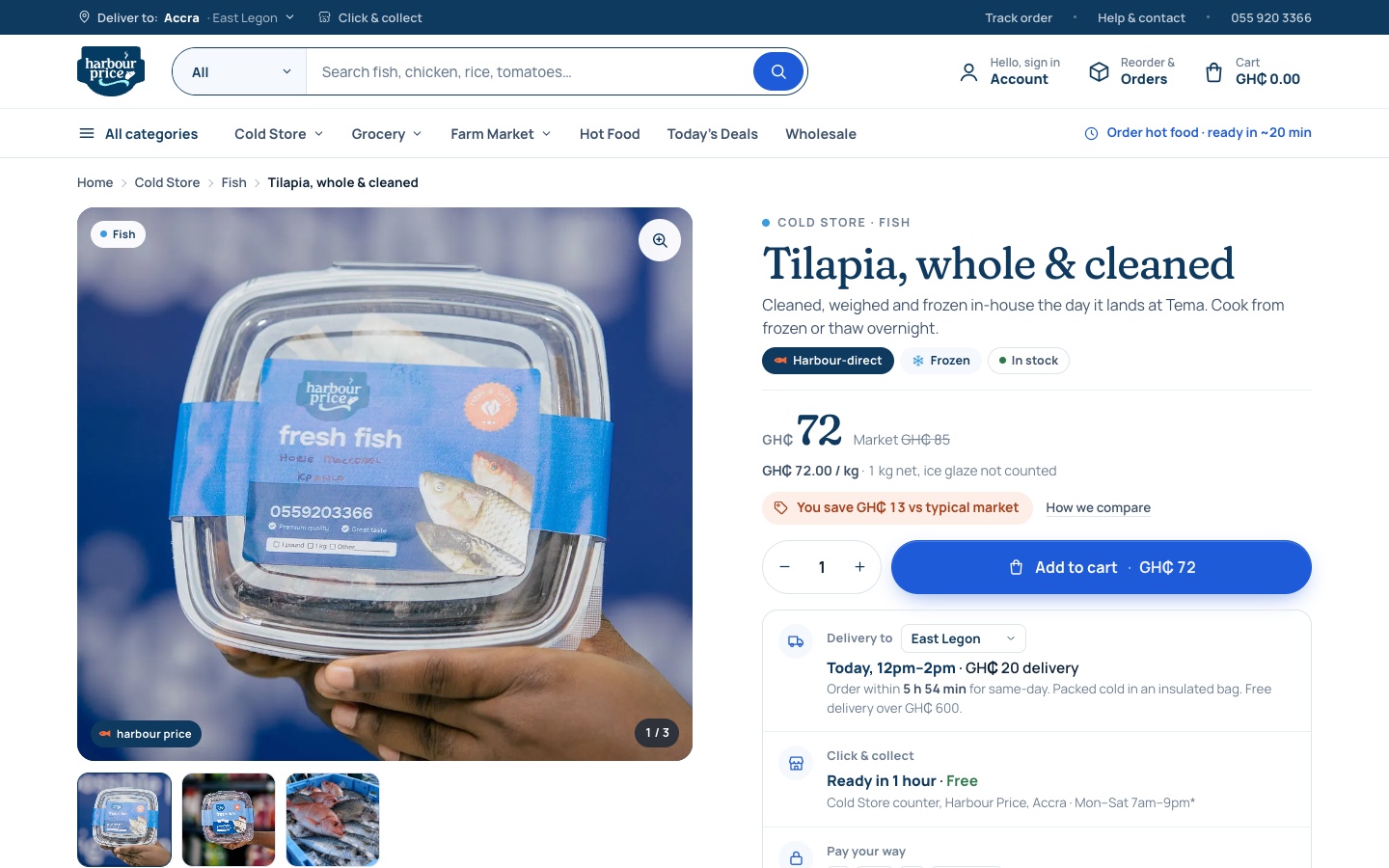
Know the pack before it arrives.
A pack photograph, weight, source and storage details sit next to the price. Delivery and collection options are visible before adding it to the basket, with the journey from harbour to freezer further down the page.
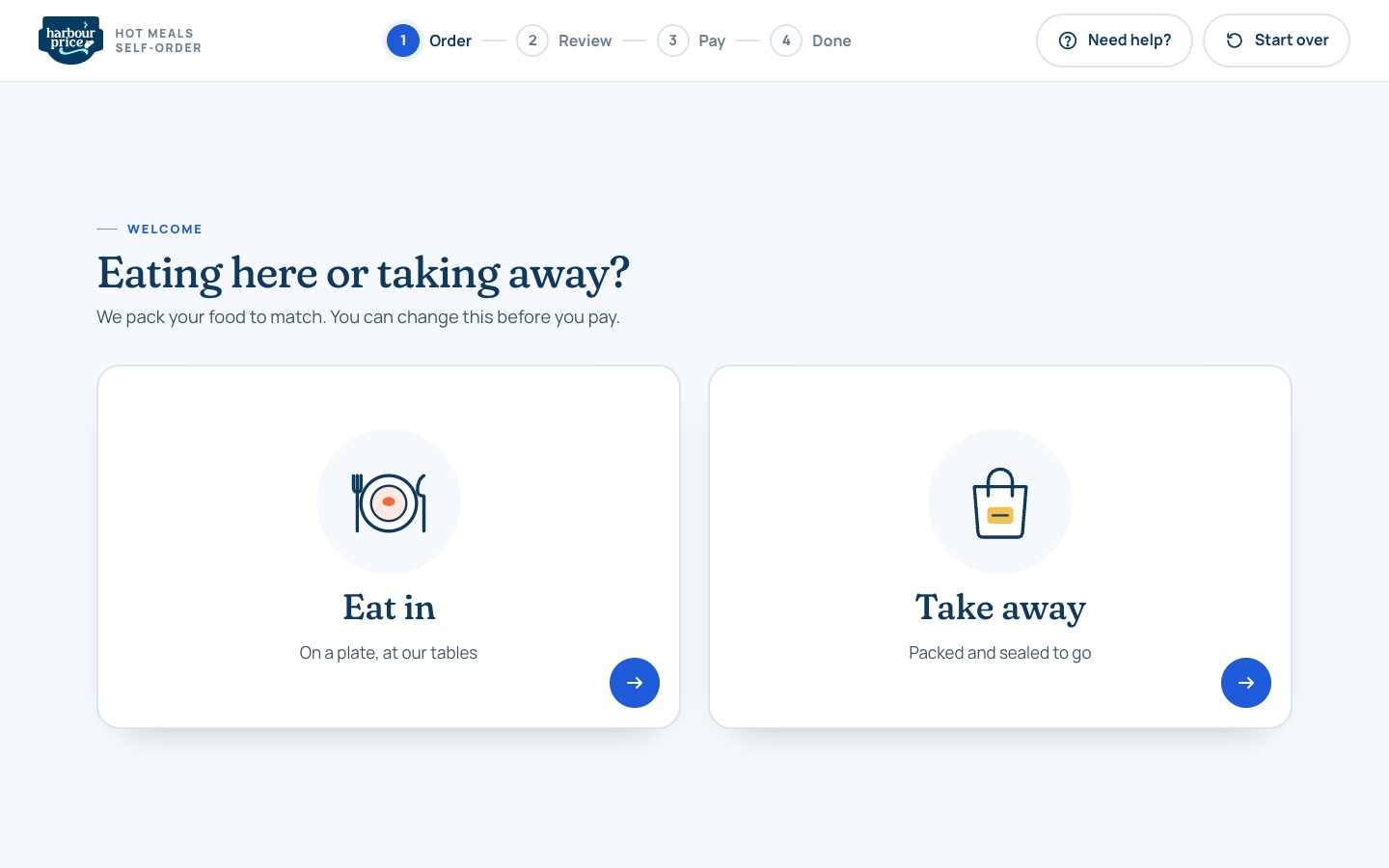
The same kitchen, at the counter.
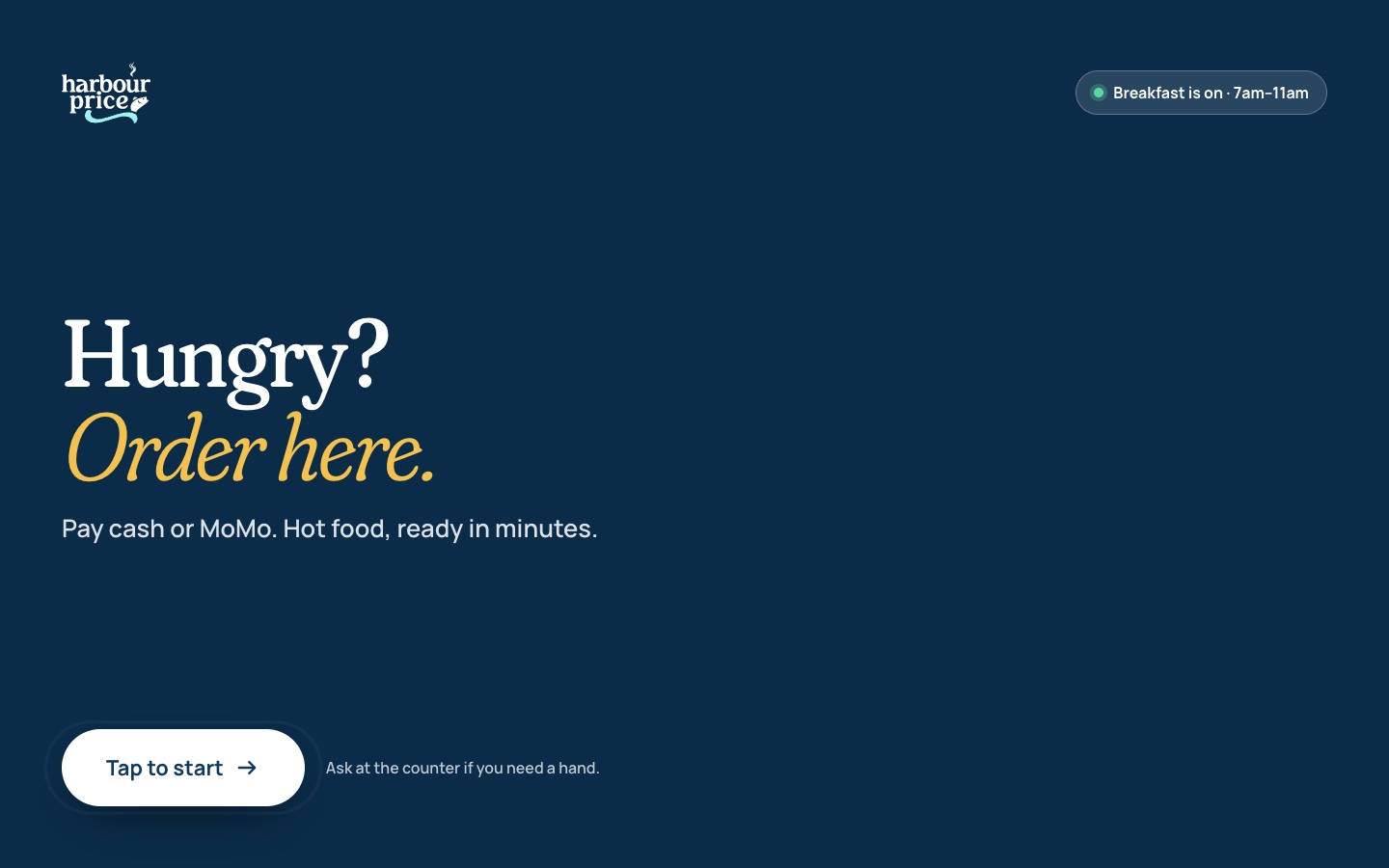
The hot-meals kiosk starts with a simple choice: eat in or take away. Large touch targets lead into choosing a pack or building a plate, reviewing the order and paying, with help always within reach.
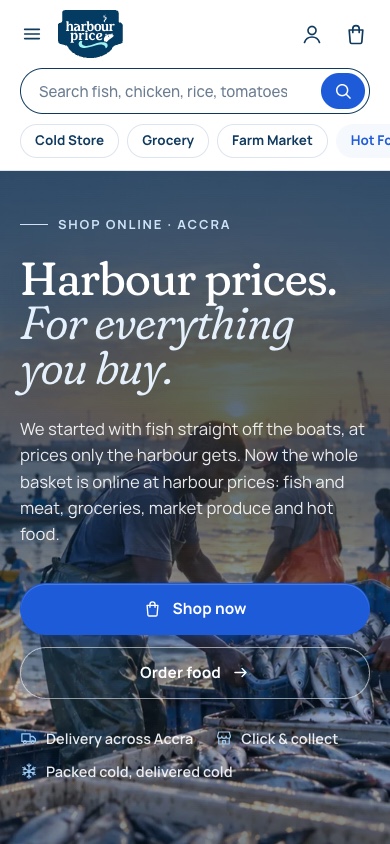
Every screen
Behind the counter
- 01A till for the shop floor.Cashier PINs, shifts, split payments, receipts and returns support in-store sales. An already-open POS can queue eligible sales through a connection outage and sync them afterwards.
- 02A kitchen that knows its stock.The back office connects orders, kitchen tickets, packing and inventory. Recipes, cook batches, purchasing, counts and waste give the hot-meals team a view of what goes into each plate.
- 03A handover all the way home.Riders get assigned runs, bag checks and handover codes. Customers can follow an order, while the team manages dispatch and collections from the back office.
The brand